The Android app
The original FurnitAR build, made with Unity and ARCore. It finds floors and tables through the camera, measures between two points by tap and drag, and places the sofa or desk where you tap.
Download FurnitAR.apk 24 MBCheck the download
SHA-256
80448a9d64149d102b3dc694a501419124d937d1427f6ca9d4f9e3bfc8da785b
- Use a phone with Android 8 or newer that supports ARCore.
- Open the APK. Android asks you to allow installs from your browser, because it comes from outside the Play Store.
- Allow the camera, then move the phone slowly until the floor is detected.
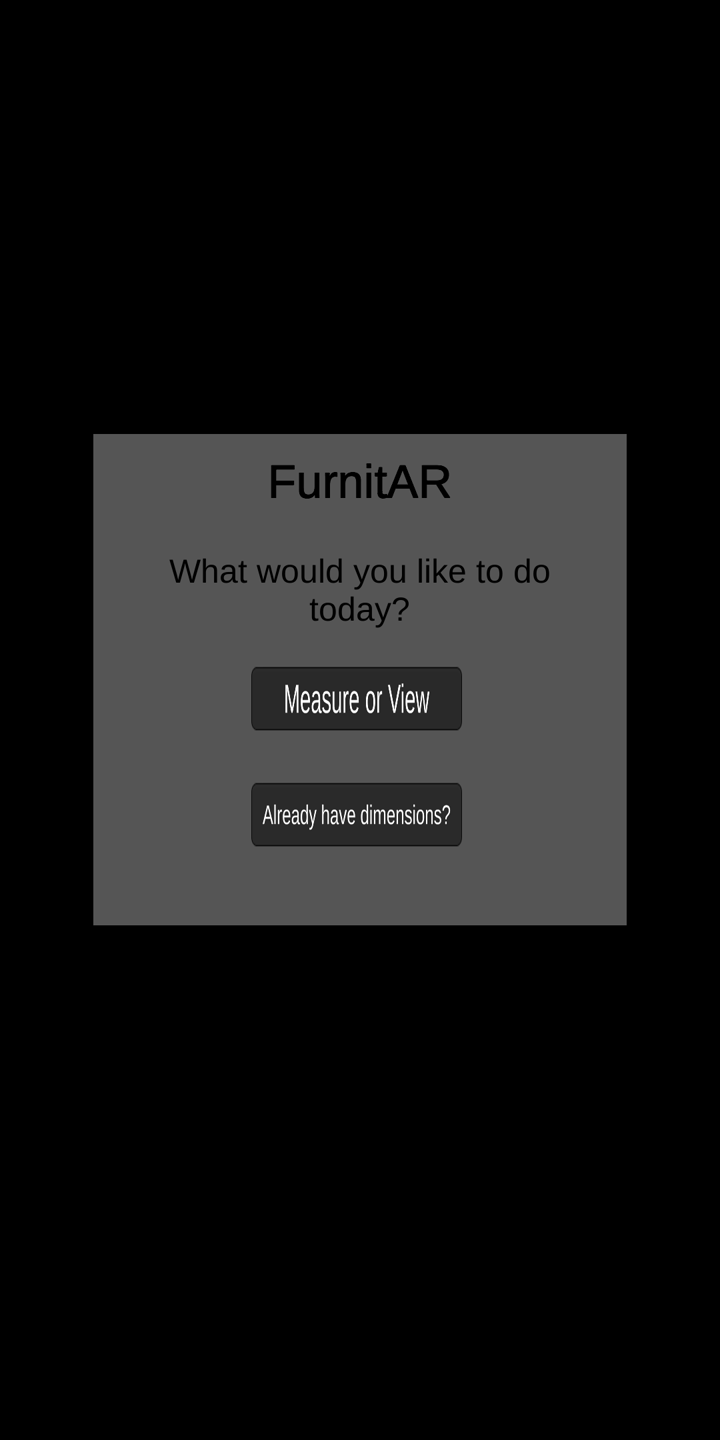
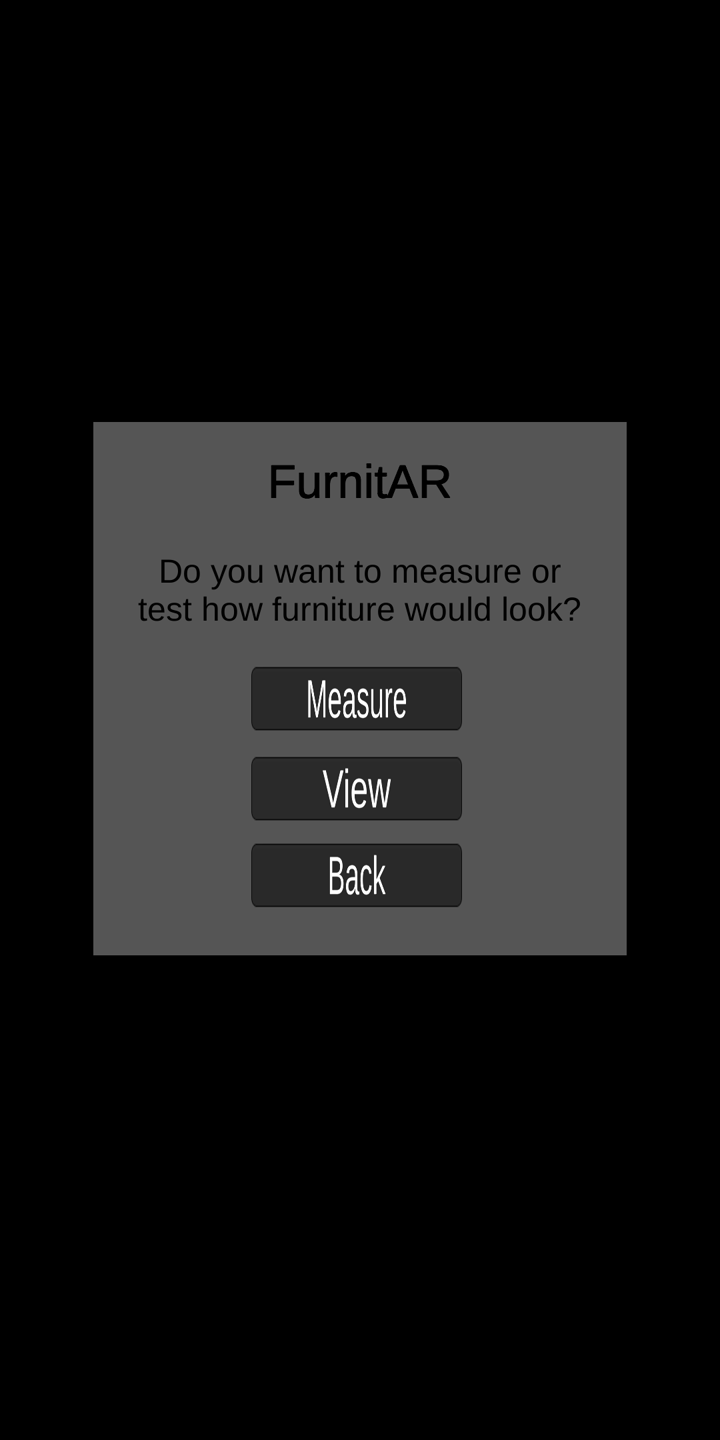
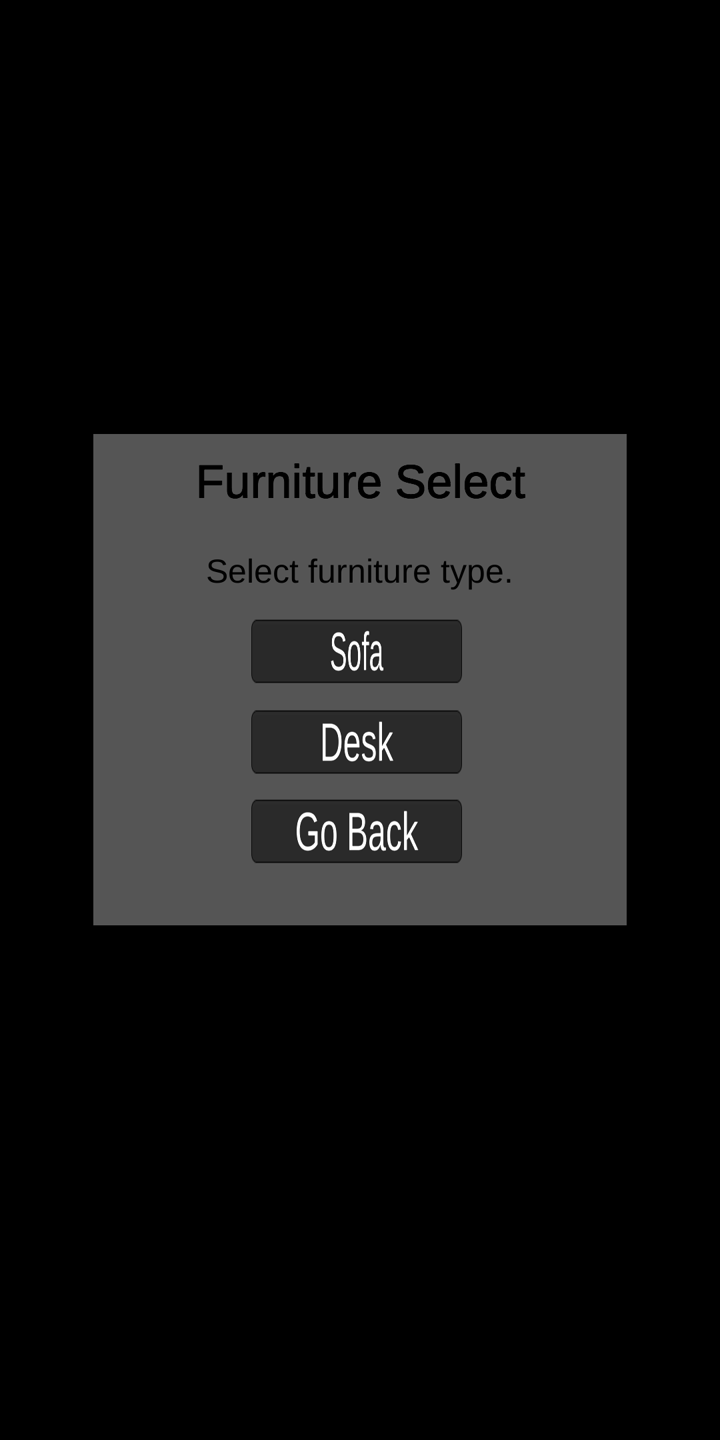
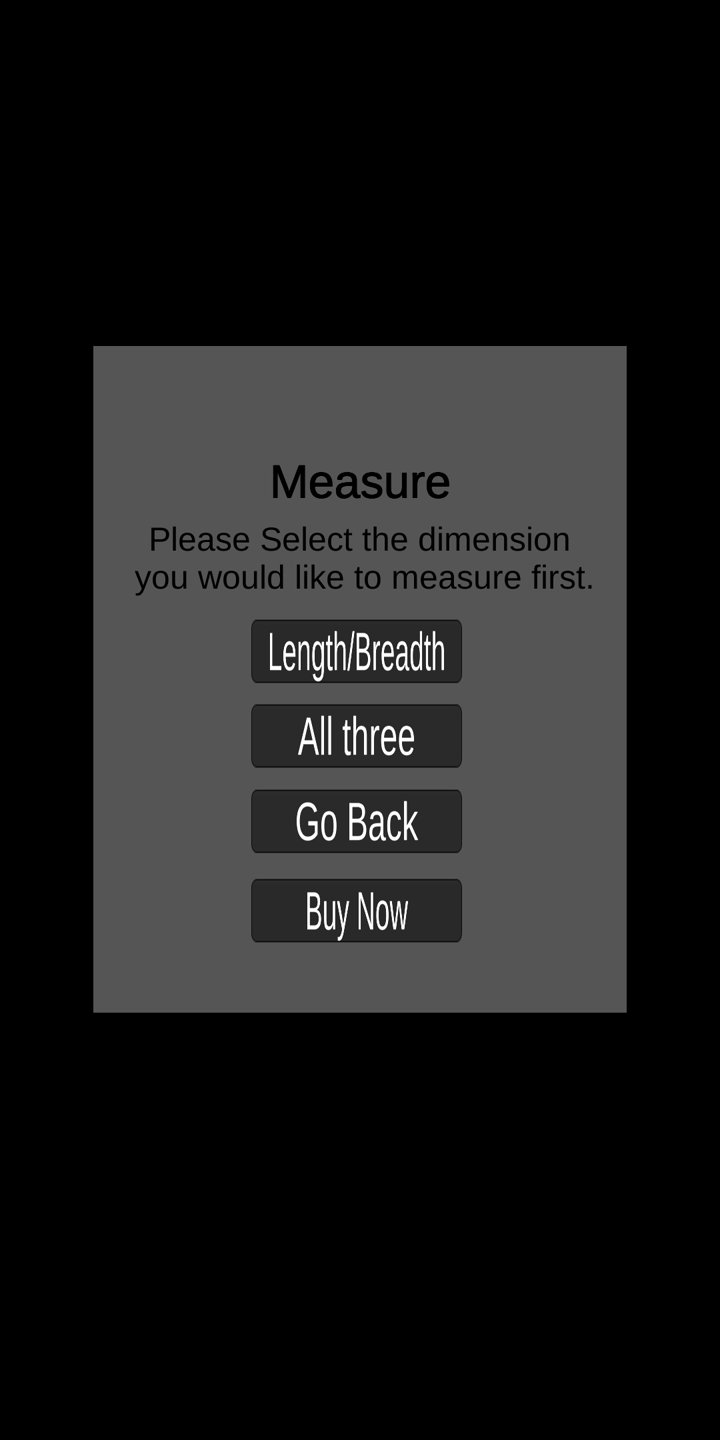
Android app screens
Captured from the APK in an Android emulator, which has no AR camera. On a phone, the camera view fills the black area.

Web version on a phone
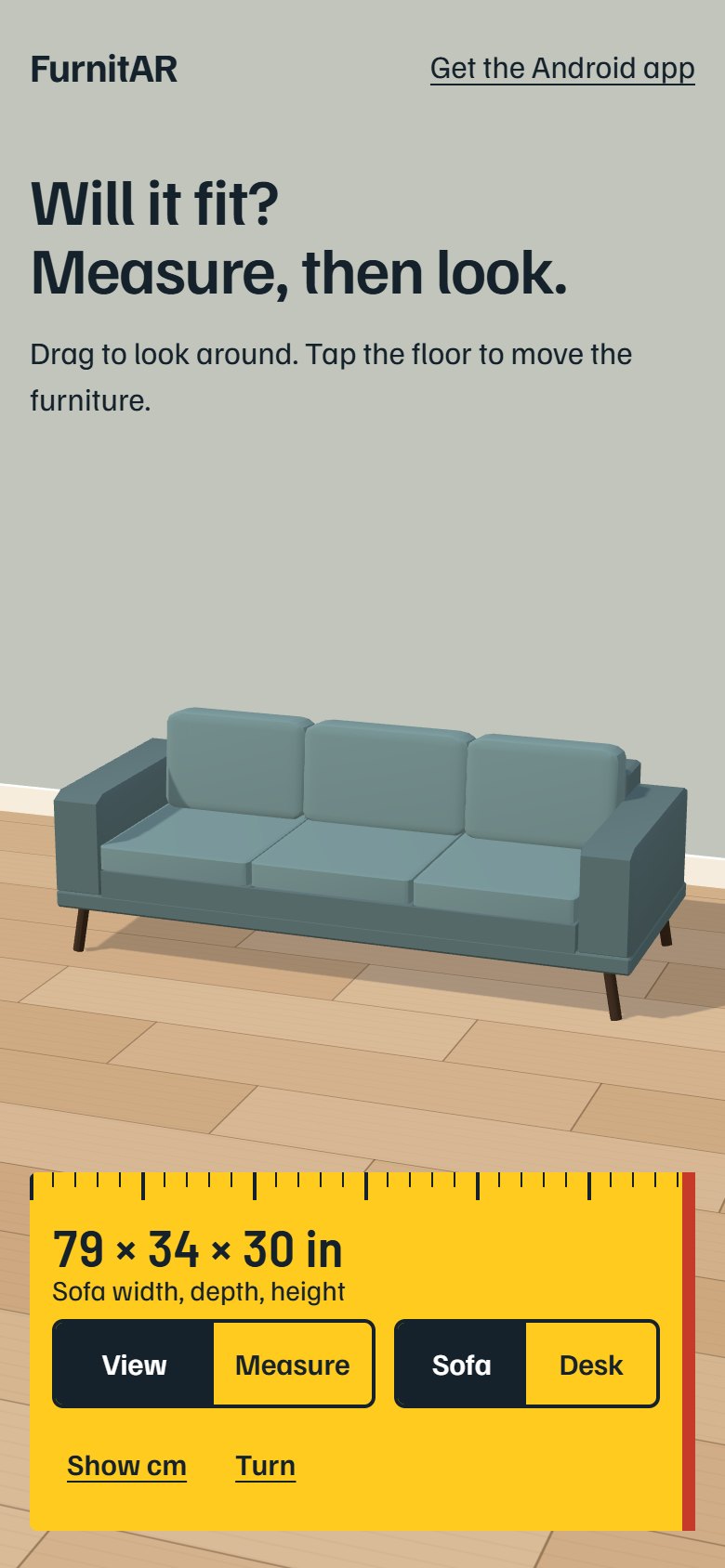
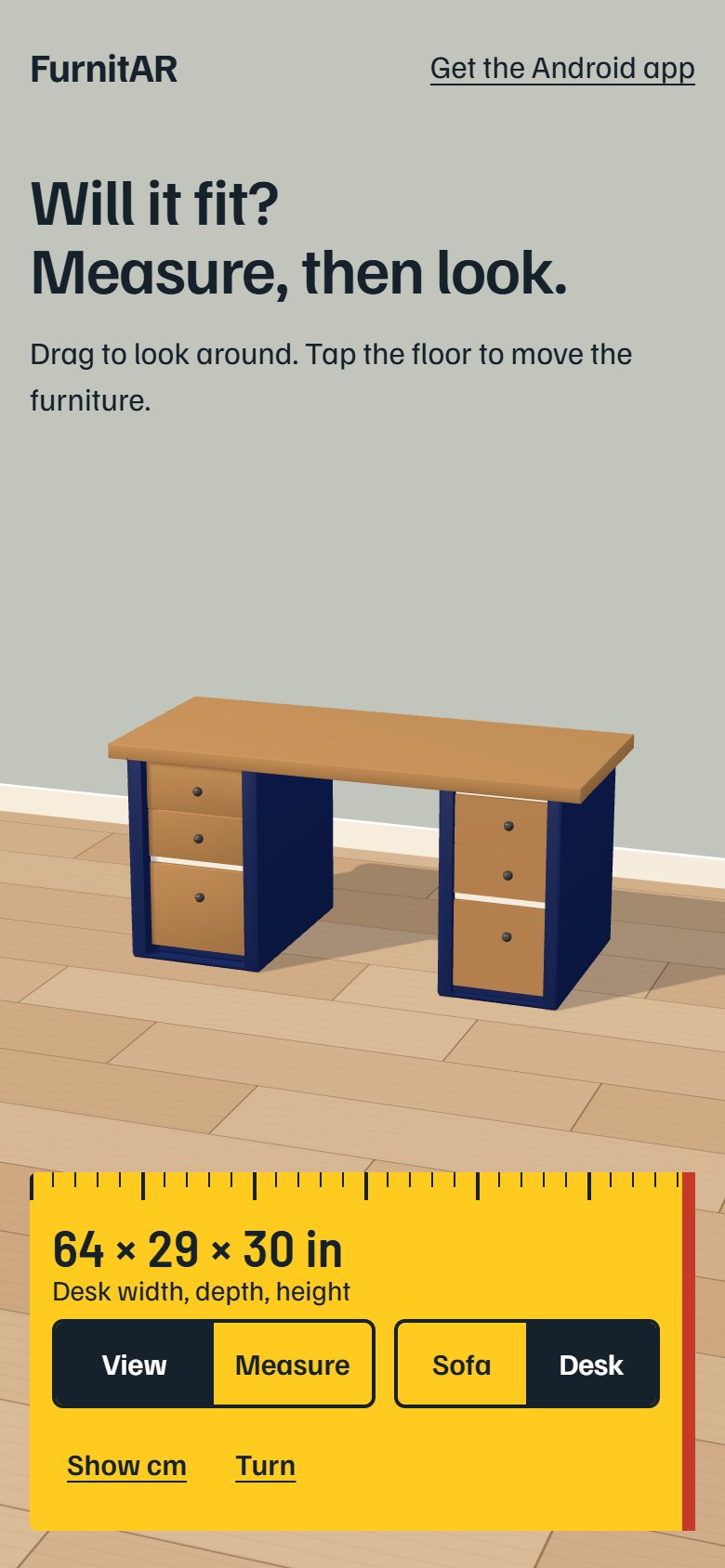
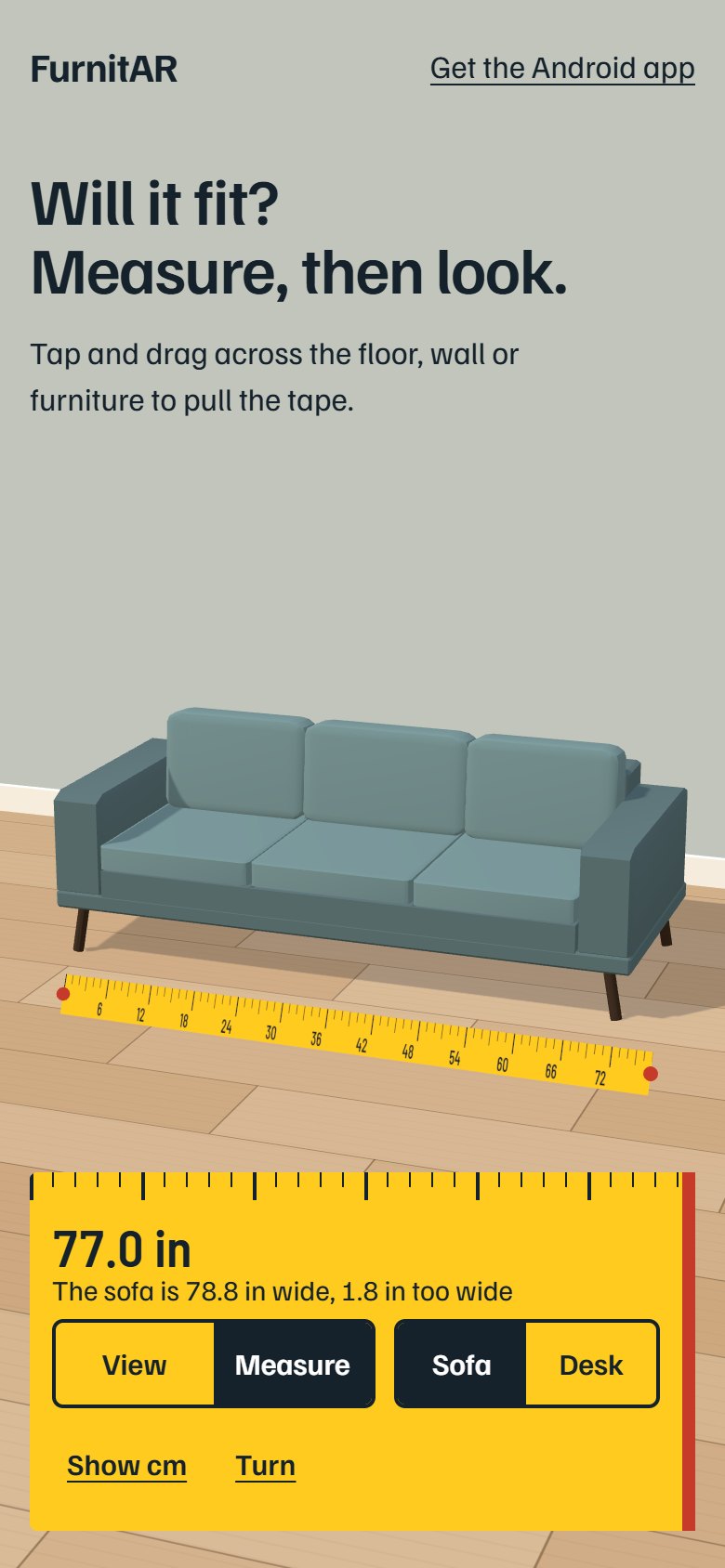
Screenshots of this site, showing the sofa and desk models the Android app places in your camera view.
Have your dimensions?
The app’s Buy Now button opens the FurnitAR shop. You can go straight there.
Open the FurnitAR shop